
Managing files on an Android device can feel confusing. Many folders appear with strange names. Some files stay hidden. Others take up space without notice. Because of this, users often struggle to keep storage clean and organized. However, things become easier with the right tool. Cx File Explorer helps users take control of their storage in a simple way.
This file manager gives a clear view of everything inside the device. It also removes the stress of searching through endless folders. As a result, users can quickly find, move, and delete files without confusion.
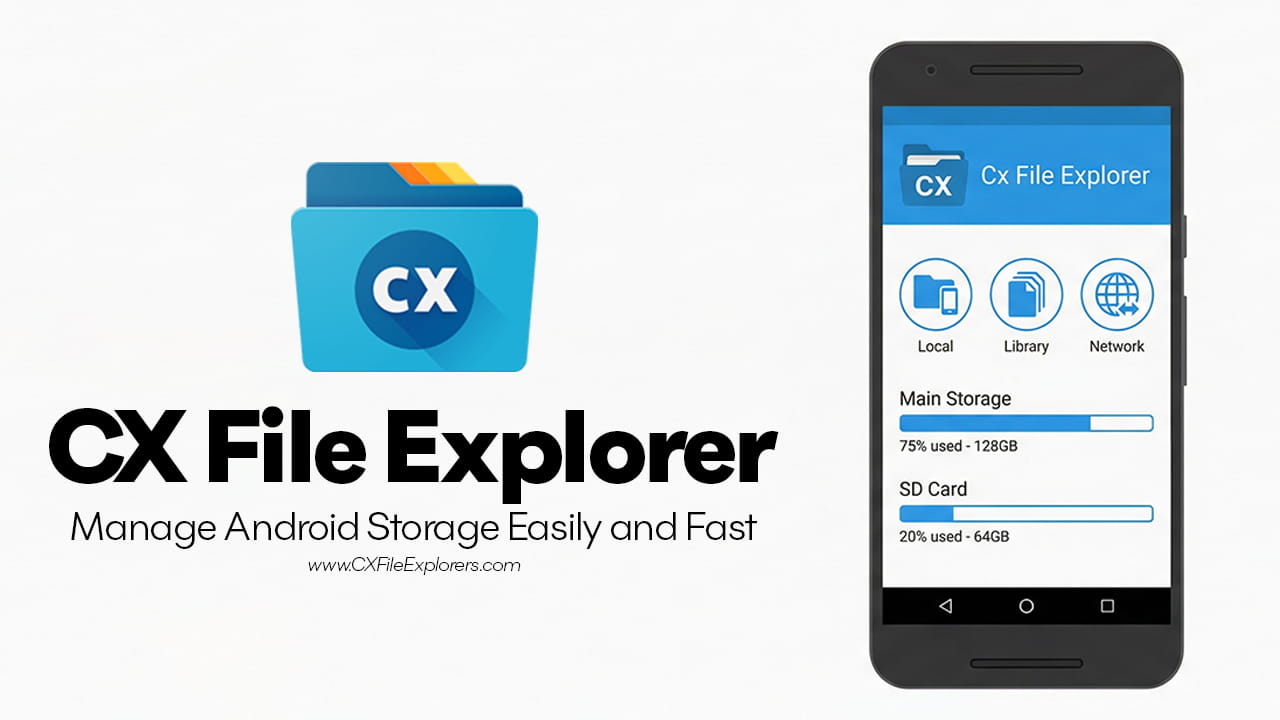
Why Cx File Explorer Feels Different
Many file manager apps feel heavy or filled with ads. Some look outdated. Others confuse users with too many features. In contrast, Cx File Explorer keeps things simple and clean. It follows a modern Android design. Because of that, users feel comfortable while using it.
Another key point is its small size. Even though the app is light, it still offers strong features. This balance helps devices run smoothly. At the same time, it avoids slowing down performance.
Privacy also matters. Many apps ask for too many permissions. However, Cx File Explorer only asks for what it needs. This approach protects user data. So users can manage files without worrying about security risks.
Visual Storage Analysis Makes Things Easy
Understanding storage space is often difficult. Many users do not know what takes up the most space. Therefore, they delete random files and hope for results. Cx File Explorer solves this problem with its Storage Analysis feature.
Instead of showing plain folders, it gives a visual breakdown. This makes everything easy to understand.
Identify Large Files Quickly
Large files often hide deep inside folders. For example, videos and app data can use a lot of space. With this tool, users can see these files instantly. So they can remove them without wasting time.
Clear Cache Without Trouble
Temporary files build up over time. These files slow down the device. However, the app helps clear them in seconds. As a result, the system becomes faster.
See Changes in Real Time
After deleting files, users can see free space immediately. This real-time update helps track progress. So users know exactly what they gained.
Smooth Cloud and Network Support
Modern users store files in many places. Some files stay on phones. Others sit on cloud storage or computers. Because of this, switching between apps becomes tiring. Cx File Explorer fixes this issue by connecting everything in one place.
It supports different network systems like SMB, FTP, SFTP, and WebDAV. These systems allow users to access files from other devices. For example, a user can open files from a home computer directly on a phone.
Cloud storage also works well. Services like Google Drive, OneDrive, and Dropbox connect easily. So users can manage cloud files without opening separate apps. This saves time and effort.
How to Use Cx File Explorer
Getting started is simple. However, learning the workflow improves speed and efficiency. How to Use Cx File Explorer becomes easier when users understand its main sections.
Access Local Storage
First, open the app. Then tap on “Main Storage.” This shows all folders inside the device. Users can long-press any file. After that, options appear. These include copy, move, delete, and compress. Because of this, file management becomes quick.
Connect to a Computer
Next, go to the “Network” tab. Then select “Access from network.” Follow the steps shown on the screen. This creates a wireless connection. As a result, files can move between phone and computer without a cable.
Manage Installed Apps
The app also includes an “Apps” section. This section lists all installed applications. Users can back up apps as APK files. They can also uninstall multiple apps at once. So managing apps becomes faster.
Better Control Over Apps and APK Files
Many users install apps from outside the Play Store. These apps come as APK files. Managing these files can feel messy. However, Cx File Explorer provides a clear APK view.
Users can easily find all APK files in one place. Then they can install, delete, or back them up. This feature helps developers and advanced users. At the same time, regular users also benefit from better control.
Because of this, users avoid duplicate APK files. They also save storage space.
Find and Remove Large Files Fast
Storage fills up quickly with large files. Messaging apps often create this problem. For example, WhatsApp and Telegram store many media files. Over time, these files grow in size.
Cx File Explorer includes a “Large Files” filter. This tool scans the device and lists big files. Users can then review them one by one.
This process feels simple. First, open the filter. Then check the file size. After that, delete unwanted files. As a result, storage clears quickly.
Because of this feature, users no longer need to search manually. Everything appears in one place.
Clean Design Improves Daily Use
A clean design helps users focus. Cx File Explorer uses a simple layout. Icons are clear. Menus are easy to read. Because of this, even beginners can use it without confusion.
Navigation also feels smooth. Moving between sections takes only a few taps. So users save time during daily tasks.
Additionally, the app avoids ads. Many free apps show pop-ups. These ads interrupt work. However, this app stays clean. So users enjoy a better experience.
Saves Time and Effort
Managing files manually takes time. Searching folder by folder feels slow. However, Cx File Explorer speeds up this process.
Users can search files instantly. Filters help narrow results. Batch actions allow multiple changes at once. Because of this, tasks finish faster.
For example, deleting ten files manually takes longer. But with batch selection, users remove them in seconds. So the workflow becomes efficient.
Works for Both Beginners and Advanced Users
Some apps focus only on experts. Others only help beginners. However, Cx File Explorer supports both groups.
New users enjoy simple controls. They can move and delete files easily. At the same time, advanced users access network features. They also manage APK files and cloud storage.
Because of this balance, the app suits many needs. It adapts to different skill levels.
Final Thoughts: Is It the Right Choice?
Choosing a file manager depends on user needs. Some users want basic tools. Others need advanced features. Cx File Explorer offers both.
It keeps things simple while adding useful tools. It connects local storage, cloud services, and networks. As a result, users manage everything in one place.
The app also stays light and secure. It avoids unnecessary permissions. It also avoids ads. So users get a smooth and safe experience.
In the end, this app turns file management into an easy task. Instead of feeling lost, users gain full control. Because of this, Cx File Explorer becomes a strong choice for anyone who wants better storage management.